AI UPSCALE IMAGE

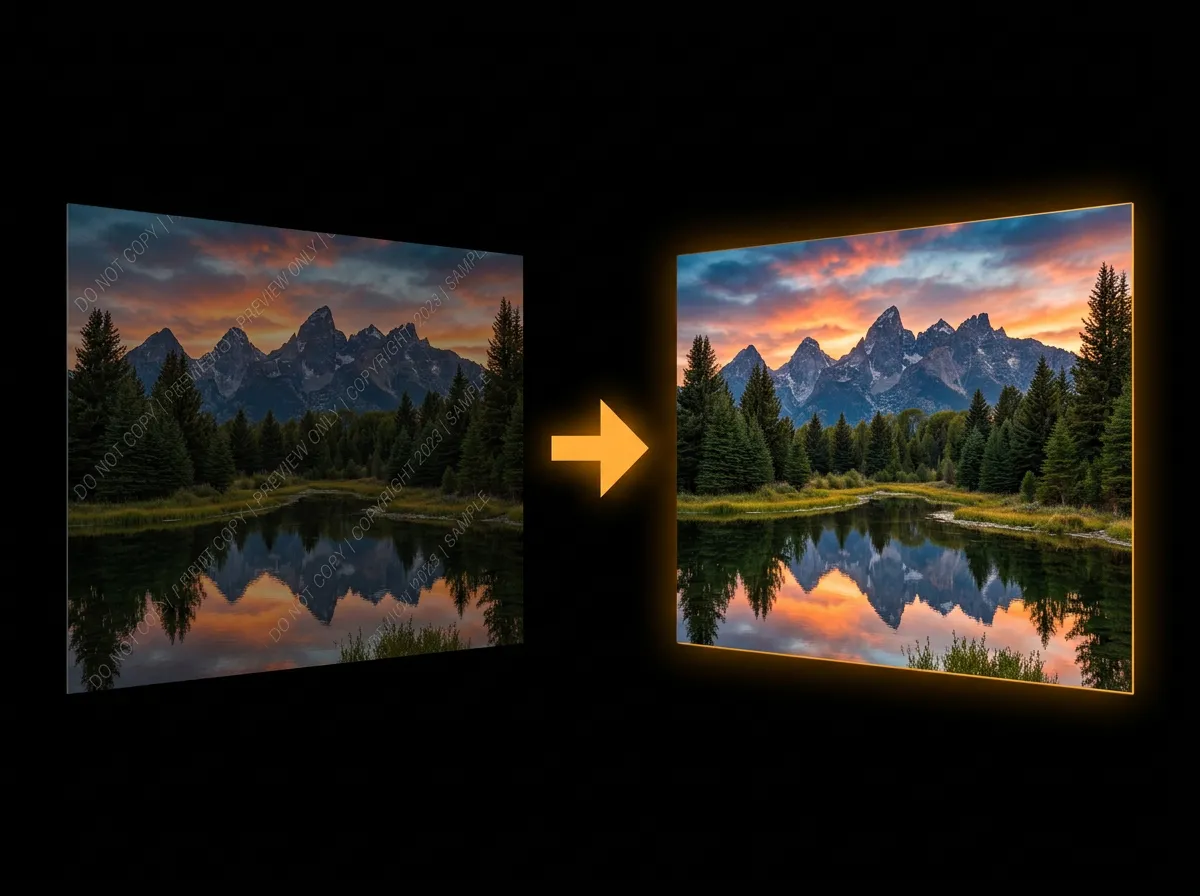
AADDYY's AI Upscale Image enhances and upscales photos up to 4x using Topaz AI with face enhancement and denoising.

Paste any publicly accessible image URL

Standard V2 is best for most photos

1x2x3x4x
Advanced Options
SubtleStrong

Ready to Generate Content

Fill out the form on the left and click "Generate" to create your AI-powered content.

How to Upscale and Enhance Images with AI

1

Upload your image

Upload any image you want to enhance. The AI supports JPEG, PNG, and WebP formats up to 25MB.

2

Choose enhancement model

Select from 10 AI models — Standard V2 for general use, High Fidelity V2 for detail preservation, or generative models for creative enhancement. Set scale factor up to 4x.

3

Download enhanced image

Get your upscaled, enhanced image with improved resolution, reduced noise, and sharper details.

When to Upscale Images

Print preparation

Upscale web-resolution images to print-quality resolution for posters, banners, and large-format printing.

Old photo restoration

Enhance vintage or low-resolution family photos, scanned prints, and archival images to modern quality standards.

E-commerce product images

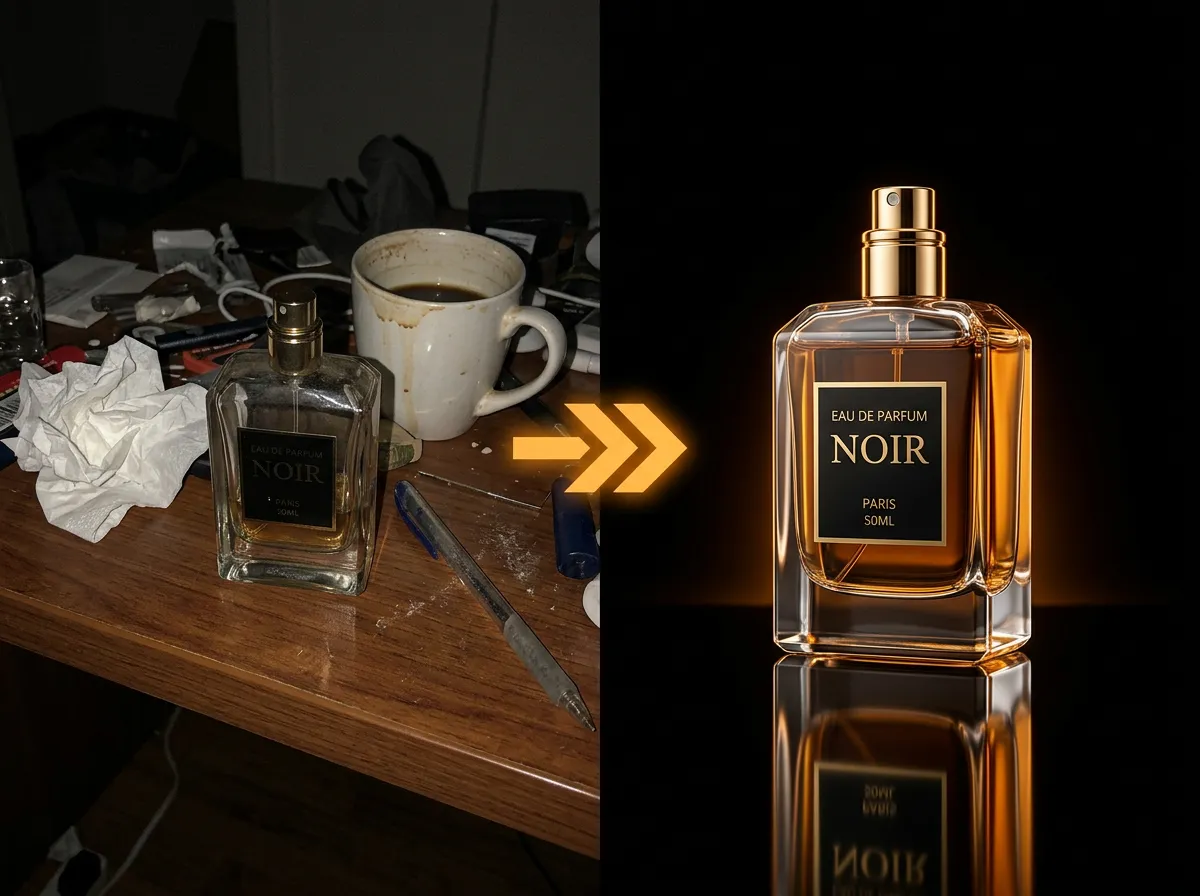
Upscale product photos to meet marketplace requirements and zoom-level quality expectations.

Social media quality

Enhance screenshots, compressed images, and low-res graphics for crisp social media posts.

Related AI Tools

Frequently Asked Questions

Everything you need to know about AI Upscale Image

Still have questions?

Can't find the answer you're looking for? Please reach out to our support team.

Contact Support