
AI Thread Generator
AADDYY's AI Thread Generator turns any article into a ready-to-post X (Twitter) thread — every tweet kept under 280 characters.
$0.05 per use · 5 credits · no subscription
flat price per thread
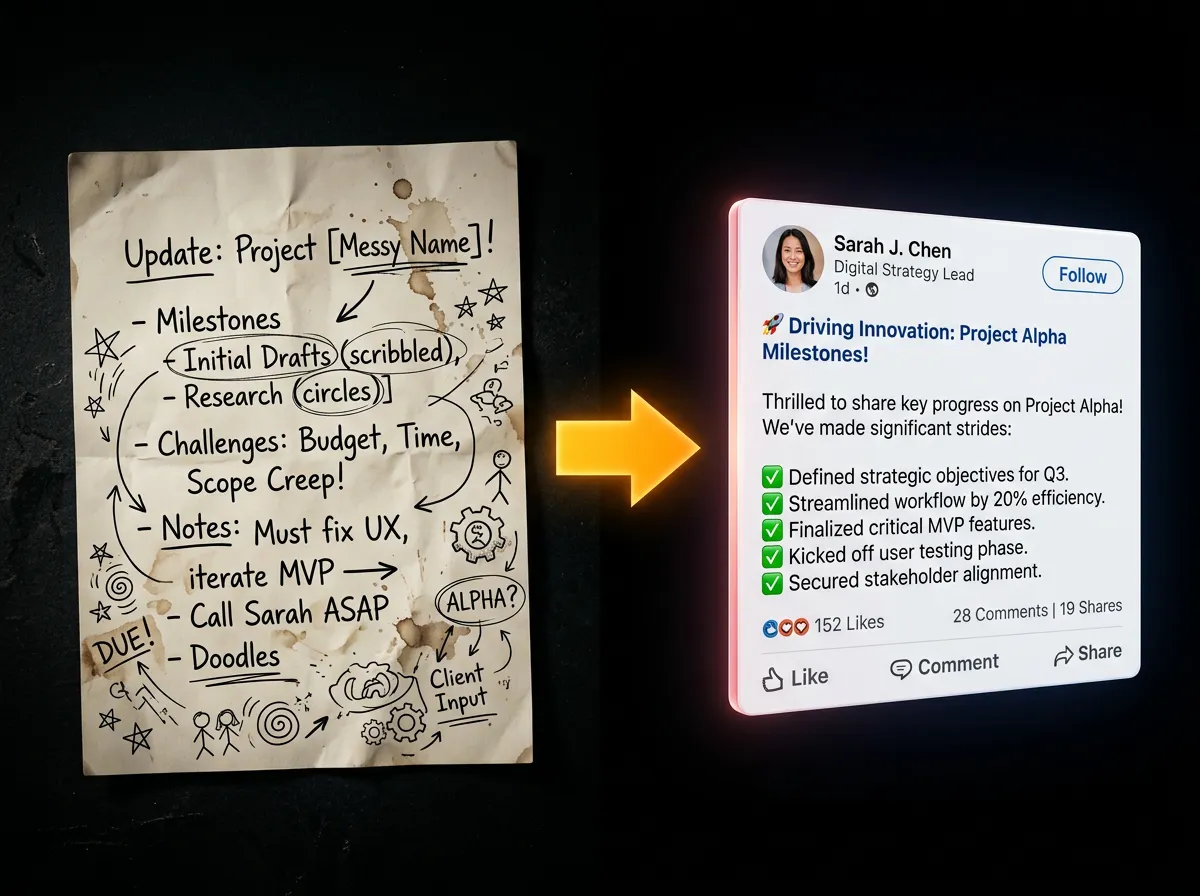
Paste an article.
Paste your article
Drop in a full article, blog post, or long idea (100–20,000 characters). The AI reads it and decides how to break it into a scannable, scroll-friendly thread.
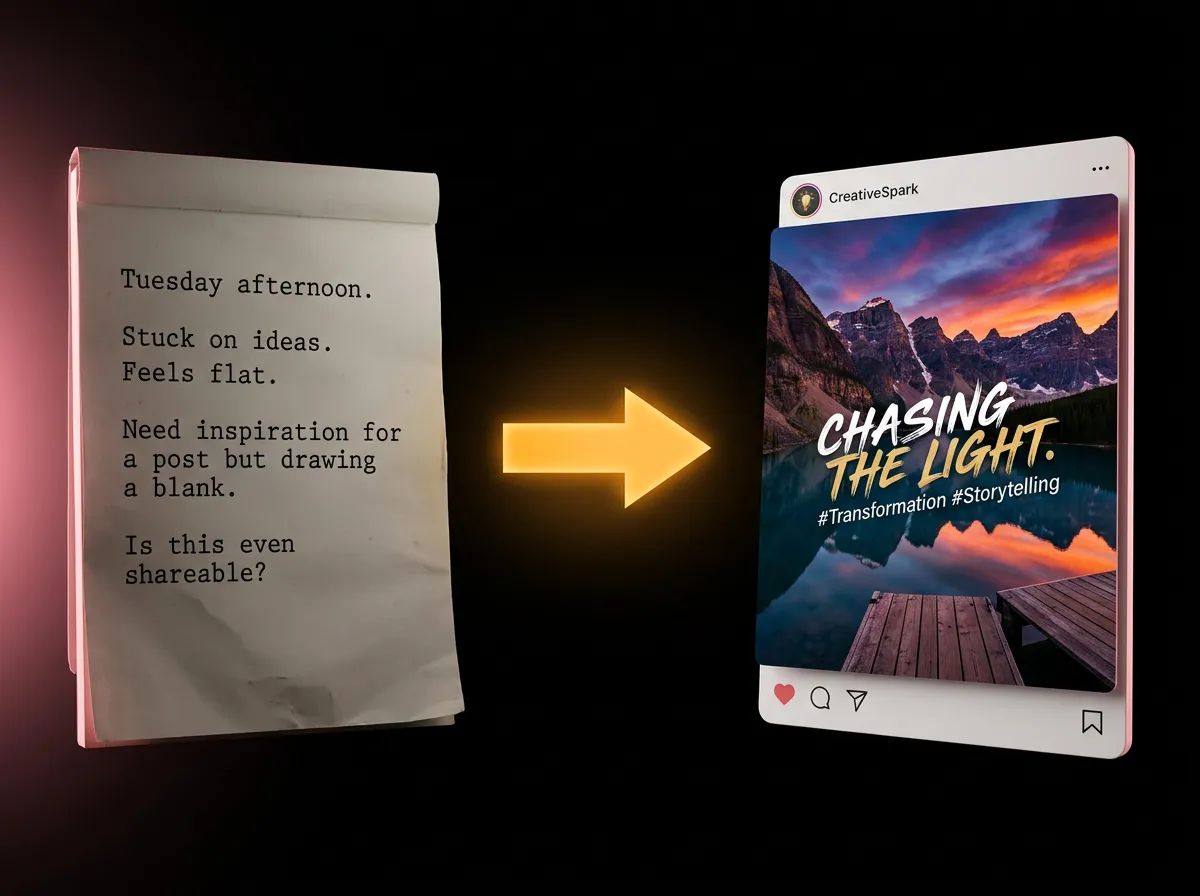
Set tone and length
Pick a tone — engaging, witty, professional, educational, persuasive, or inspirational — and choose how many tweets the thread should run (3 to 20). Add a language, hashtags, and a closing CTA.
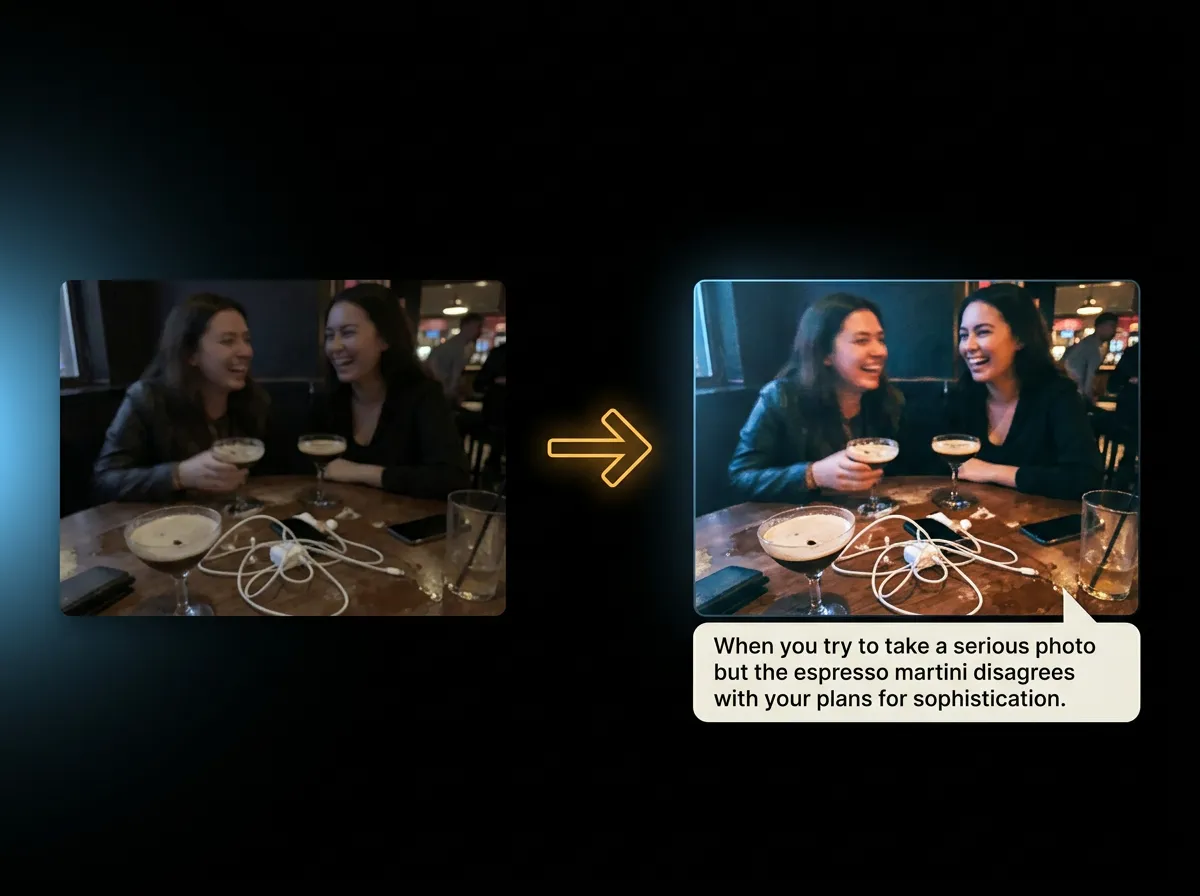
Generate and post
Get an ordered set of connected tweets in seconds, each within the 280-character limit. Copy the whole thread or each tweet individually, then paste straight into X.
Questions.
What is the AI Thread Generator?
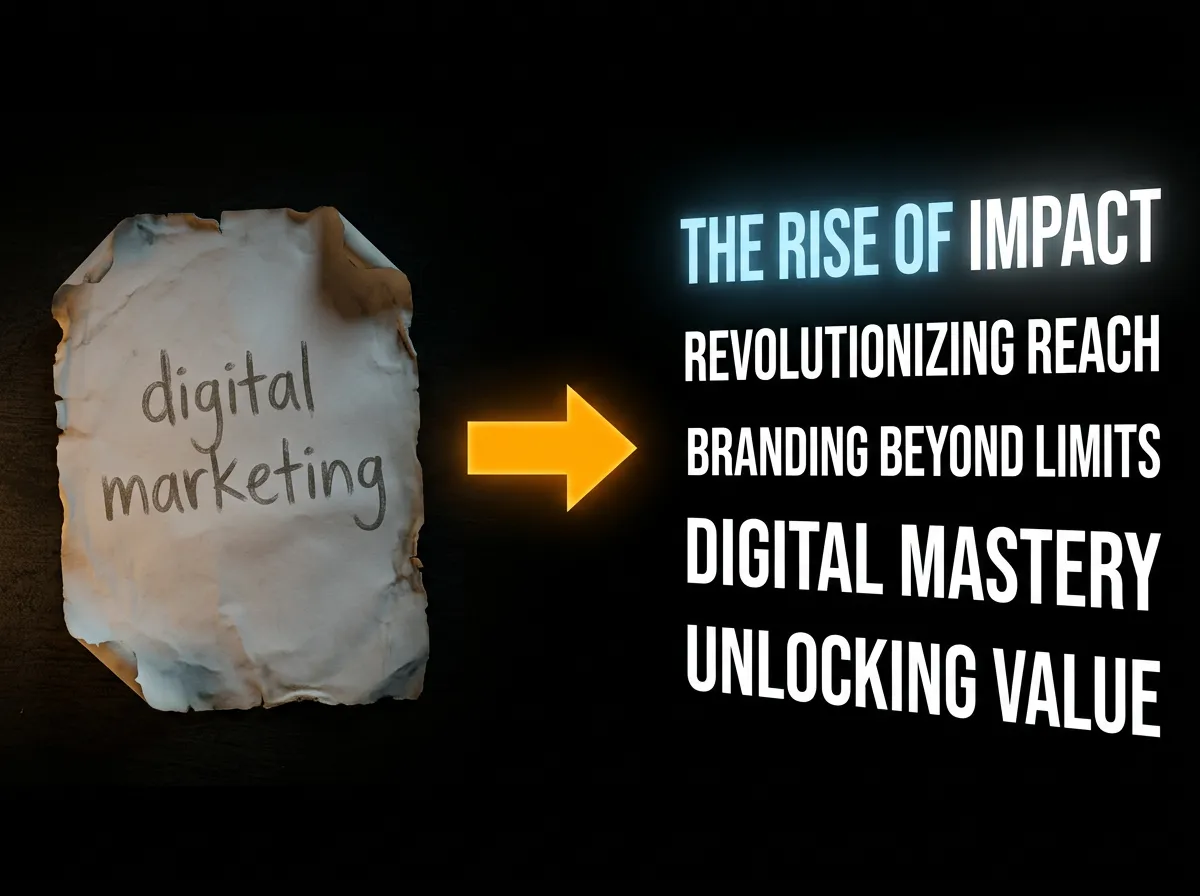
It turns a full article or a long idea into a complete, ready-to-post X (Twitter) thread. You get a sequence of connected tweets — each kept under the 280-character limit — with a strong opener and an optional closing call-to-action, all in one run.
Are the tweets within the 280-character limit?
Yes. Every tweet in the generated thread is written to fit X's 280-character limit, and the tool shows a live character count per tweet so you can post the thread as-is without trimming.
Can I control the tone and thread length?
Absolutely. Pick a tone — engaging, professional, casual, witty, educational, persuasive, or inspirational — and set how many tweets you want (3 to 20). You can also choose the language, add hashtags, and write a custom closing call-to-action.
Can I turn a full article into a thread?
Yes — that's exactly what it's built for. Paste an existing article or blog post (100 to 20,000 characters) and the AI distills the key points into a punchy, scannable thread, perfect for repurposing long-form content into tweets that drive reposts and saves.
Do I need an account to use it?
You can explore the tool freely. When you're ready to generate, you'll sign in — new accounts start with free credits, and you only pay per use after that. No subscription required.
How much does it cost?
Each thread costs $0.05 (5 credits). The AI Thread Generator uses pay-per-use pricing with no monthly fee — you're only charged when you generate a thread.
Still have questions? We're here.
Contact Support