
AI Content Curator
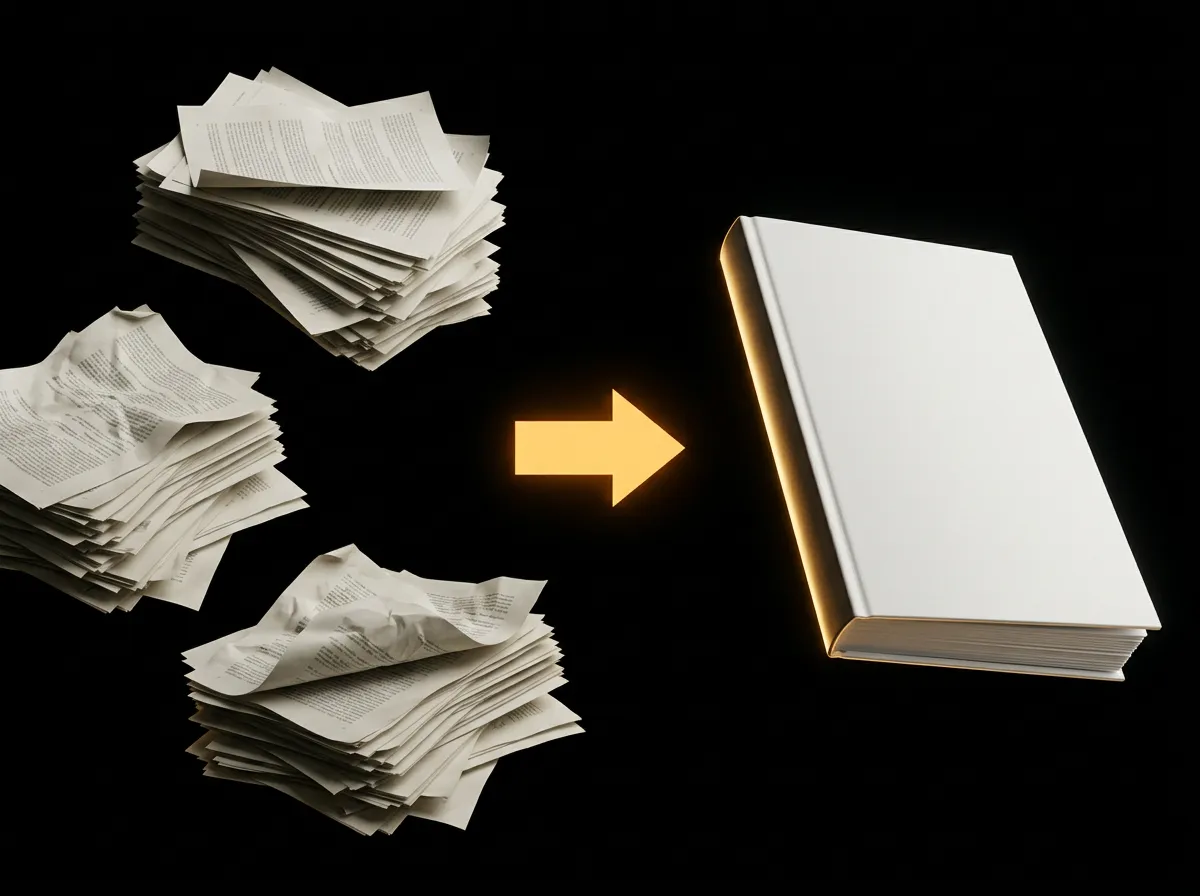
AADDYY's AI Content Curator transforms raw text into beautifully structured documents with a WYSIWYG editor and PDF export.
How It Works
Add Content
Paste text, upload a file, or start blank
Edit & Design
Use the block editor to customize your document
Export PDF
Generate and download a professional PDF
Features
AI-powered content structuring
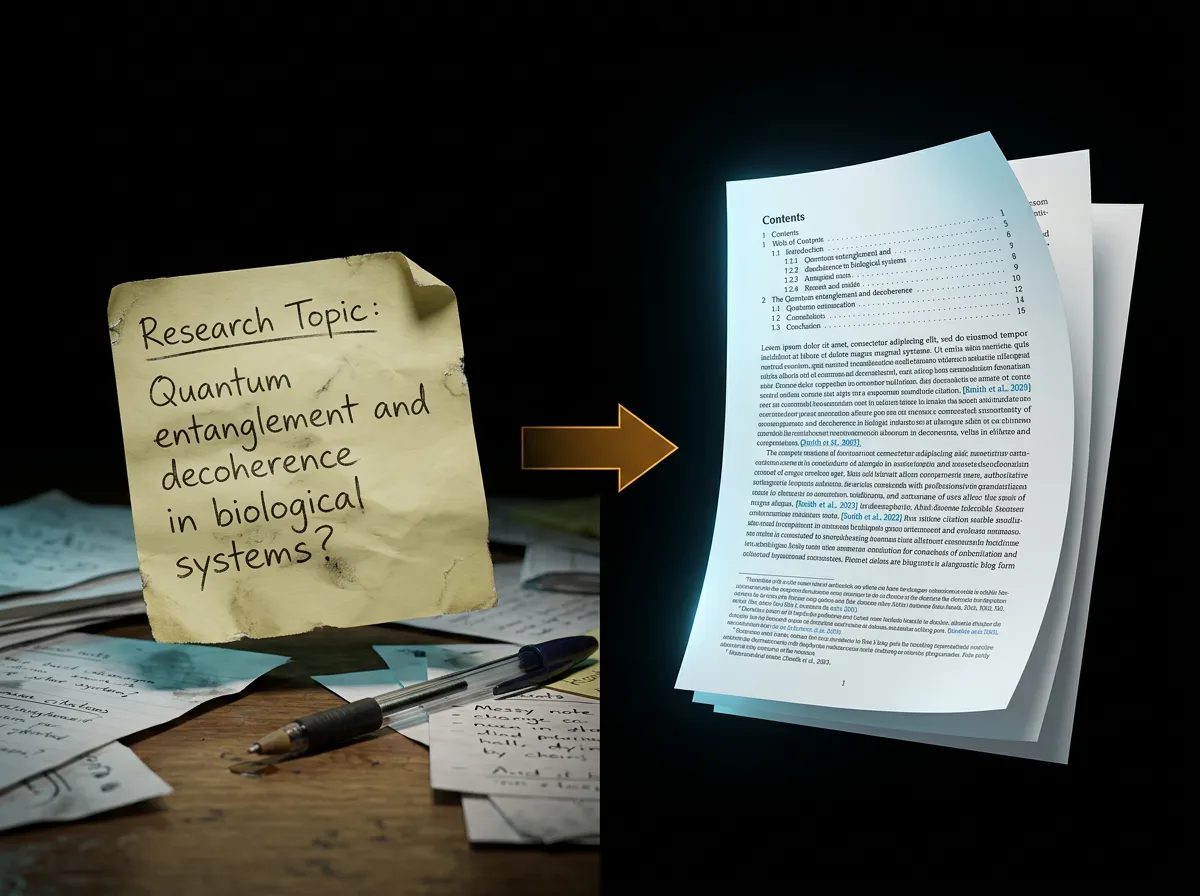
AI Research Blog Writer
Rich text WYSIWYG editor
Drag-and-drop blocks
5 professional themes
8 font families
Image upload & AI generation
Auto-save & PDF export
How it Works
1
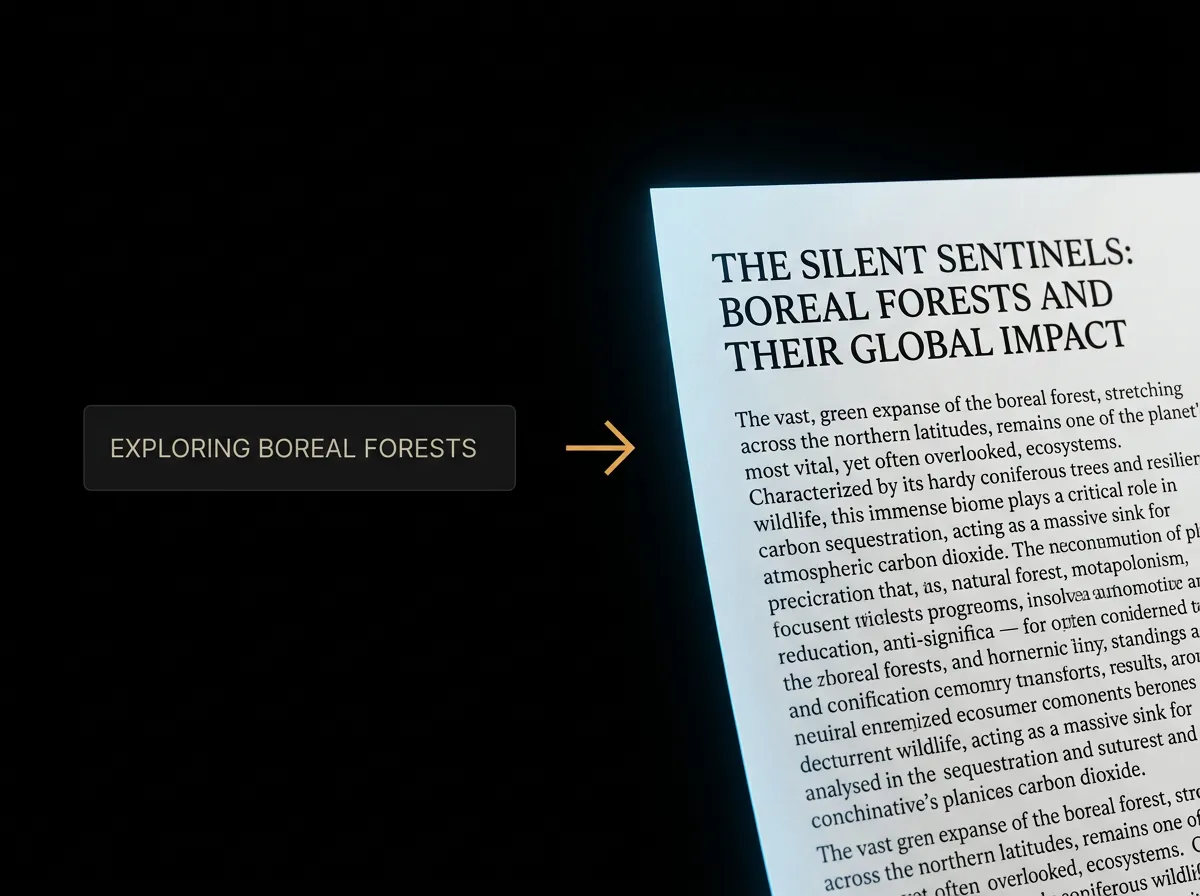
Paste your raw text
Input unstructured content — meeting notes, brainstorms, research, or any raw text that needs organization and formatting.
2
Edit in the block editor
Use the WYSIWYG editor to reorganize sections, add headings, apply formatting, and insert visual elements. Choose from customizable themes.
3
Export as PDF
One-click export to a professionally formatted PDF document ready for sharing, printing, or archiving.
Use Cases
Questions.
Still have questions? We're here.
Contact Support