
AI Educational Clip Generator
AADDYY's AI Educational Clip Generator turns any topic into an animated educational video with narration. Perfect for teachers and students.
From $0.60 per video · 60 credits · no subscription
15-second video; $0.20 per 5-second scene (15 to 60 seconds)
Enter a topic.
Enter your topic
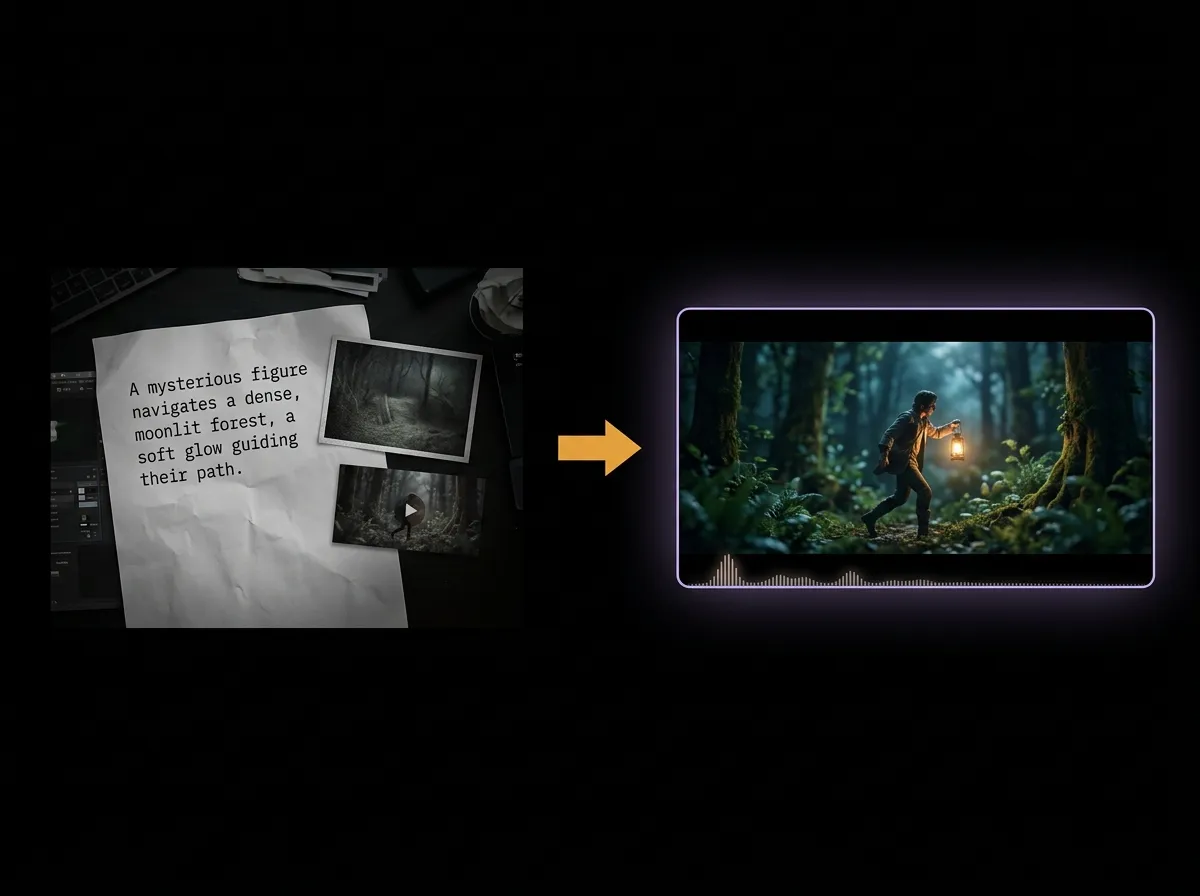
Type any educational topic — from "How photosynthesis works" to "The French Revolution" — and set the duration (15–60 seconds).
Choose format and style
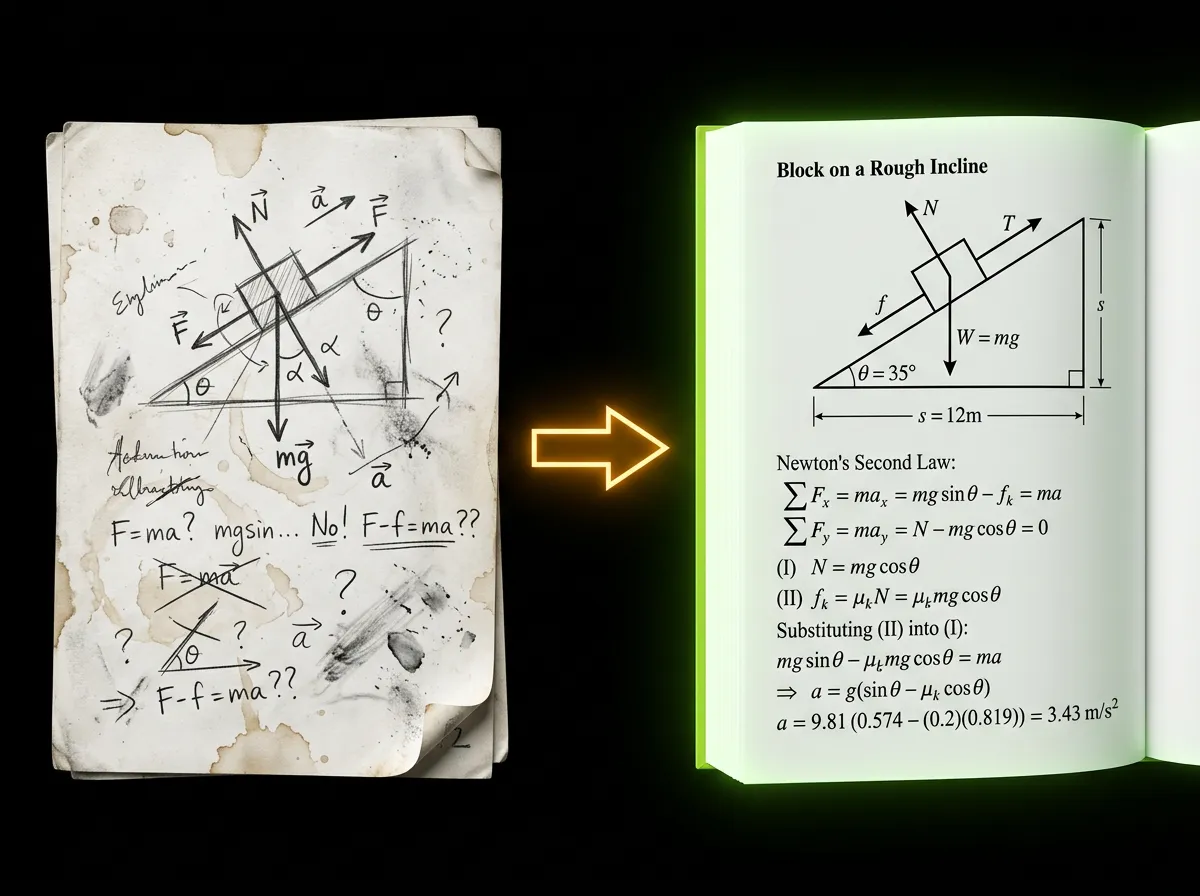
Select aspect ratio (16:9 for YouTube, 9:16 for Reels/Shorts) and visual style. The AI generates narration, visuals, and animations.
Download your clip
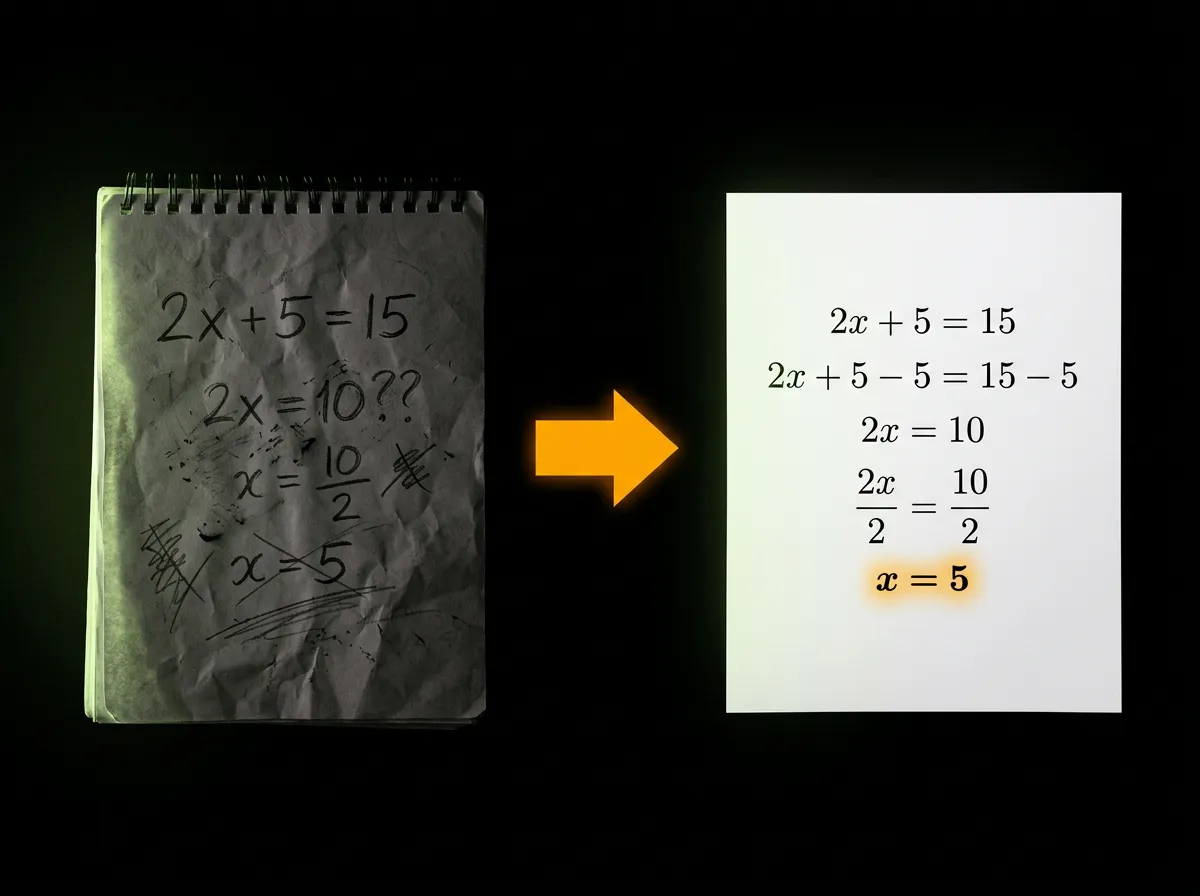
Get a complete animated educational video with AI voiceover, visual aids, and engaging transitions.
Questions.
What is AADDYY's AI Educational Clip Generator?
AADDYY's AI Educational Clip Generator turns any topic or idea into a fully animated educational video with AI-generated narration and visuals. You describe the subject, choose a duration and aspect ratio, and the tool scripts, animates, and stitches your clip into a downloadable MP4.
How long does it take to generate a clip?
Generation time depends on the duration you choose: a 15-second clip takes roughly 2 minutes, 30 seconds takes ~4 minutes, 45 seconds ~6 minutes, and 60 seconds ~8 minutes. You can leave the page and come back — your clip will be ready when processing finishes.
What duration and aspect ratio options are available?
You can generate clips of 15, 30, 45, or 60 seconds. Aspect ratio options include 16:9 (landscape/desktop), 9:16 (portrait/mobile/Shorts), 1:1 (square/social), 4:3 (classic screen), 3:4 (portrait variant), and 21:9 (ultrawide cinematic). The default is 16:9.
How much does the AI Educational Clip Generator cost?
Every 5-second scene costs the same, so a 15-second clip (3 scenes) costs $0.60 (60 credits), a 30-second clip (6 scenes) $1.20 (120 credits), a 45-second clip (9 scenes) $1.80 (180 credits) and a 60-second clip (12 scenes) $2.40 (240 credits). Pricing is pay-per-use with no subscription required.
What kind of topics work best?
Any educational subject works well — science concepts, history events, how-to guides, language lessons, or classroom topics for any grade level. For best results, be specific: include the subject, target audience (e.g. 'grade 3 students'), and any style preferences (e.g. 'keep it fun with cartoon characters').
Can I preview the video before downloading?
Yes. After your clip is generated, an in-browser video player appears in the output panel so you can watch it immediately. A one-click Download MP4 button is also shown if you want to save it to your device.
How does the clip generator make a video?
The AI Educational Clip Generator writes a scene-by-scene script from your topic, then generates each 5-second animated scene with matching narration and stitches all the scenes into a single MP4 file.
Still have questions? We're here.
Contact Support